
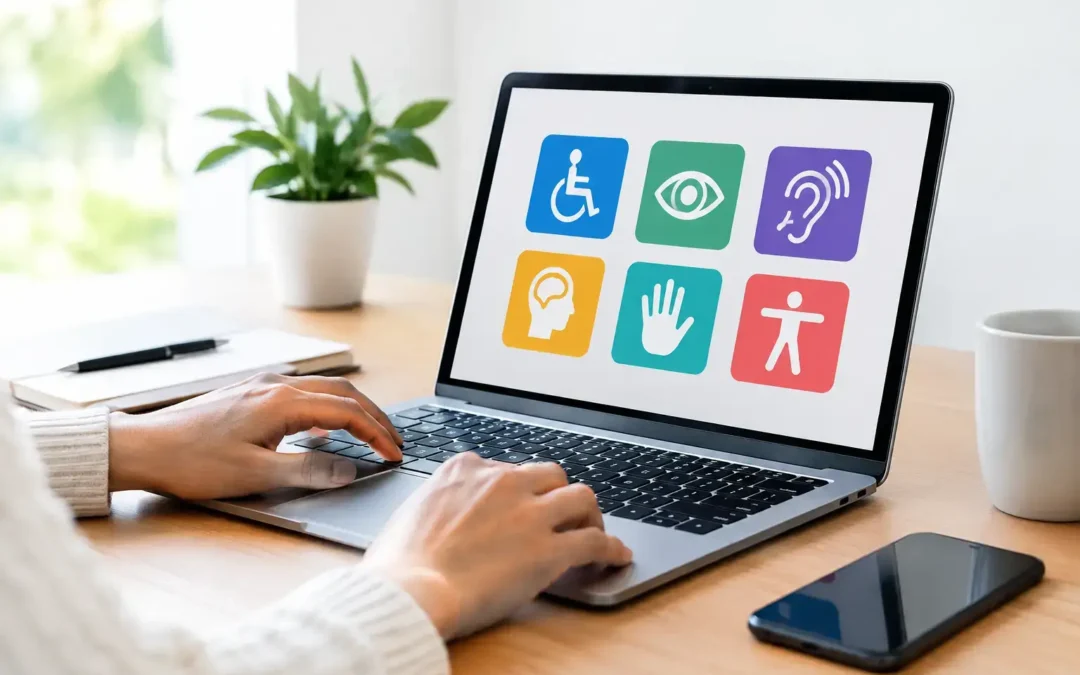
A website that frustrates visitors with disabilities is not just a compliance concern. It is a conversion problem, a reputation problem, and a competitive opening for businesses that make digital access easier. The best website accessibility tools help identify barriers before they cost your business leads, search visibility, and customer trust.
For business owners, accessibility should not be treated as a one-time checklist. Websites change constantly as new pages, forms, products, plugins, and campaigns go live. The right tool gives your team visibility into issues, helps prioritize fixes, and creates a stronger experience for every visitor.
What Website Accessibility Tools Actually Do
Accessibility tools scan websites for common issues that can prevent people from using a site with a keyboard, screen reader, voice control, magnification software, or other assistive technology. They can flag missing alternative text, low color contrast, broken form labels, unclear headings, empty buttons, inaccessible PDFs, and code errors that impact navigation.
That is valuable, but automated scans do not make a website fully accessible on their own. Most tools detect a portion of potential issues. They cannot reliably judge whether alt text is meaningful, whether a form is understandable, whether a video needs better captions, or whether a checkout process makes sense when used only with a keyboard.
The strongest approach combines automated scanning, manual testing, and experienced development work. If your website drives calls, quote requests, appointments, or online sales, that combination is worth protecting.
10 Best Website Accessibility Tools for Business Websites
1. axe DevTools
axe DevTools is one of the most respected options for developers and technical teams. It works within browser development tools, allowing teams to test individual pages during design, development, and quality assurance. It is especially useful when accessibility needs to become part of the website build process rather than an emergency cleanup after launch.
For a business website with frequent updates, axe DevTools helps catch errors before they reach customers. Its drawback is that it is geared toward people who understand website code and need to interpret findings correctly. It is powerful, but it is not designed as a simple executive dashboard.
2. WAVE
WAVE is a practical visual evaluation tool for reviewing a page quickly. It displays icons and indicators directly over a webpage, making it easier to see missing alt text, heading structure problems, contrast concerns, and form-label errors in context.
This is a smart starting point for marketers, content managers, and business owners who want a clearer view of common issues. WAVE is excellent for spotting obvious barriers, but it should not be your only test. A page can look clean in a visual report and still have usability problems for keyboard and screen-reader users.
3. Google Lighthouse
Google Lighthouse is built into Chrome and provides audits for accessibility, performance, SEO, and best practices. That makes it especially useful for companies that want to connect accessibility with the larger goal of building a faster, more search-friendly website.
Its accessibility score is helpful for benchmarking and catching technical basics, including contrast and label issues. Still, a high Lighthouse score is not proof of compliance. Treat it as a fast diagnostic signal, not a legal or usability certification.
4. Siteimprove
Siteimprove is a strong enterprise-grade platform for organizations managing larger websites, multiple departments, or high volumes of content. It can monitor accessibility across many pages and help teams track issues, assign responsibility, and report on progress over time.
For established businesses with a large marketing footprint, that reporting structure can justify the investment. Smaller companies with a simple brochure site may find it more platform than they need. The value rises when several people publish content and accessibility accountability needs to be shared across the organization.
5. Deque axe Monitor
axe Monitor is built for continuous accessibility testing at scale. It is a strong fit for companies that need ongoing oversight across large, complex, or frequently changing digital properties. Its reporting and workflow features can support internal teams, agencies, and development partners working from the same accessibility priorities.
This is not usually the first tool a small local business needs. But for professional service firms, ecommerce brands, or multi-location companies with a serious web operation, continuous monitoring reduces the risk of issues piling up unnoticed.
6. Accessibility Insights
Accessibility Insights provides guided testing that helps teams go beyond basic automated scans. Its assessment features encourage a more structured review of page behavior, keyboard navigation, and common accessibility requirements.
It is particularly useful for internal web teams that want to build better habits without immediately investing in a major enterprise platform. The trade-off is time. Guided testing is more thorough than pressing a scan button, which means someone still needs to own the process and act on the findings.
7. Level Access
Level Access combines software, testing, training, and professional accessibility services. It can be a practical choice for businesses that need more than a scan report and want support establishing an accessibility program across websites, applications, documents, and internal workflows.
The major advantage is access to deeper expertise. The consideration is budget and scope. Companies with a small website may need targeted remediation rather than a broad accessibility management program. Businesses in regulated or high-risk industries may see far more value in a managed approach.
8. UserWay
UserWay offers accessibility scanning and website widgets intended to give visitors display and navigation controls. These features can be useful as an additional layer of visitor support, particularly for text sizing, contrast preferences, and other interface adjustments.
However, an overlay or widget is not a substitute for fixing the underlying website. If forms are unlabeled, navigation is broken, or content is poorly structured, a toolbar will not resolve the core barrier. Use these tools carefully and never treat them as an automatic compliance solution.
9. AudioEye
AudioEye provides automated scanning alongside managed remediation and accessibility support. It can be appealing for businesses that want a partner to help identify issues, prioritize work, and maintain progress after improvements are made.
This model can reduce the burden on an internal marketing team, but decision-makers should understand exactly what is being fixed, what remains unresolved, and how manual testing is handled. Ask for clear reporting tied to your specific pages, templates, and conversion paths.
10. Pa11y
Pa11y is an open-source accessibility testing tool that works well for technical teams that want flexibility. It can be integrated into development workflows and automated checks, helping organizations catch recurring issues before they reach production.
It is not the easiest choice for nontechnical users, and it requires setup. For a company with in-house developers or an experienced web partner, though, Pa11y can be a cost-effective way to make accessibility testing part of ongoing quality control.
How to Choose the Right Accessibility Tool
The right choice depends on how complex your website is, how often it changes, and who will be responsible for fixing the problems found. A local service business with 20 core pages may start with WAVE, Lighthouse, and a professional manual review. An ecommerce company with hundreds of product pages needs continuous monitoring, template-level fixes, and a process for keeping new content accessible.
Do not buy based on a score alone. Ask whether the tool can scan your most valuable pages, including contact forms, service pages, booking flows, product pages, account areas, and checkout. Look for reports that explain the business impact of each issue and make it easy to prioritize high-traffic, high-conversion pages first.
You should also look at the remediation side. A tool that finds 500 errors does not help much if no one can interpret the report or fix the code. Your web developer, agency, or internal team needs a defined workflow: scan, prioritize, repair, test manually, document, and monitor after updates.
Accessibility Is a Performance Standard, Not a Side Project
A better accessibility experience often improves the same site foundations that support SEO and conversion performance. Clear heading structures help visitors and search engines understand content. Descriptive links improve navigation. Better form labels reduce abandoned inquiries. Strong contrast and readable typography make key messages easier to act on.
There are legal considerations as well. Requirements and enforcement vary by industry and jurisdiction, so accessibility software should not be treated as legal advice or a guarantee of compliance. If your business has substantial exposure, speak with qualified legal counsel and use accessibility specialists who can validate real-world usability.
The competitive advantage comes from acting before accessibility becomes a complaint, a lost lead, or an expensive cleanup project. Start with the pages that generate revenue, fix the barriers that block action, and build accessibility into every future website update. That is how your website stays open to more customers and ready to outperform competitors who are still treating access as an afterthought.