
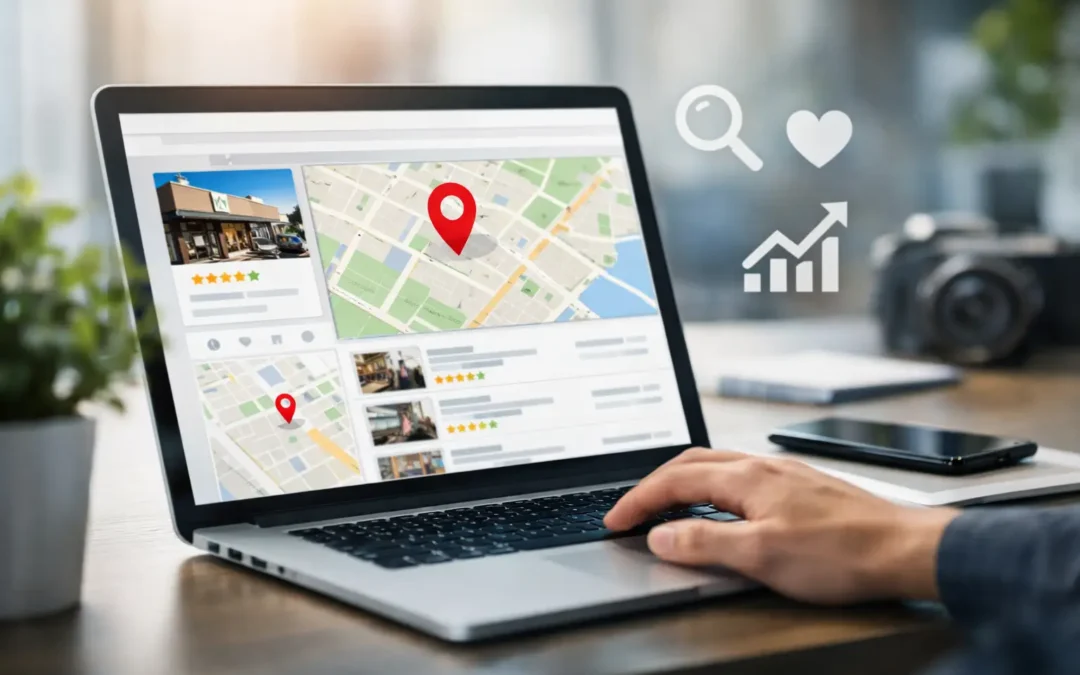
A local prospect searching for an emergency plumber, a family lawyer, or a nearby HVAC company is not browsing for fun. They are looking for a fast answer, proof they can trust, and an easy way to call. Knowing how to optimize Google Business Profile puts your business in that high-intent moment – ahead of competitors with outdated hours, weak reviews, and incomplete listings.
Your Google Business Profile is not a directory entry to set up once and ignore. It is a local lead-generation asset. When it is accurate, persuasive, and actively managed, it can improve visibility in Google Maps and local search results while giving customers a direct path to call, request directions, visit your site, or message your team.
Start With the Signals Google Uses to Rank Local Businesses
Google’s local results are largely shaped by relevance, distance, and prominence. You cannot control where every searcher is located, and you should not try to manipulate the system. What you can control is how clearly your profile explains what you do, where you serve, and why customers choose you.
Relevance comes from complete business information, the right categories, services, and content that matches what people actually search for. Distance is based on the searcher’s location and the area your business serves. Prominence reflects the strength of your online presence, including reviews, visibility, and the confidence signals surrounding your brand.
This is why copying a competitor’s business name, stuffing city names into fields, or creating duplicate listings is a bad trade. Those tactics can trigger edits, suspensions, or a long cleanup process. Build a profile that can hold its ground over time.
How to Optimize Google Business Profile From the Ground Up
Claim, verify, and protect the listing
First, make sure your business owns and verifies its profile. Use an account controlled by the company, not an individual employee or a former marketing vendor. Give appropriate team members access, but keep primary ownership secure.
Confirm your legal business name, phone number, website, address, and operating hours. These details should match your website and major business citations exactly where possible. Small inconsistencies such as an old suite number or a disconnected tracking number can create confusion for customers and weaken trust.
If you operate from a storefront, display the address accurately. If you travel to clients and do not serve customers at your location, set up the profile as a service-area business and hide the address. Choose the setup that reflects reality, not the setup you think may rank faster.
Choose categories that match your revenue drivers
Your primary category is one of the strongest relevance signals on the profile. Pick the category that most directly describes your core business, not a broad label that sounds impressive. A personal injury attorney should not lead with a generic business category. A roofing contractor should not lead with home improvement if roofing is the work that drives revenue.
Then add secondary categories only for legitimate, established services. Categories help Google understand your business, but they do not replace a clear service strategy. Overloading the profile with every loosely related category can dilute the message and make the listing less credible.
Review categories whenever your service mix changes or Google introduces a better option. This matters most for businesses in competitive markets where a precise category can separate a qualified lead from a wasted click.
Write a description that earns the next action
The business description should tell a customer what you do, who you serve, and what makes your company the smart choice. Lead with your highest-value services and geographic market in natural language. Then support the claim with proof, such as experience, specialization, response times, certifications, or the type of projects you handle.
Do not treat the description like a keyword dump. A profile packed with repetitive phrases sounds generic and does little to persuade a prospect. Write for the person comparing three local options on a phone screen. Clear positioning wins.
Build out every service and product field
Services are a major opportunity to show Google and customers the full scope of your business. Add individual services with straightforward names and useful descriptions. A dental practice, for example, may list dental implants, Invisalign, emergency dentistry, cleanings, and cosmetic dentistry rather than relying on a single broad dentistry label.
If products are relevant to your operation, add them as well. Include accurate pricing when it helps a customer make a decision, but do not force pricing into a business model built around custom quotes. The goal is to remove friction, not create false expectations.
Turn the Profile Into a Conversion Tool
Ranking is only half the job. A profile that receives views but fails to create calls, form submissions, appointments, or visits is leaving revenue on the table.
Add photos that prove your business is real
Customers want evidence before they contact a local company. Use current, high-quality photos of your exterior, interior, staff, equipment, completed work, and products. Professional images are valuable, but authentic field photos often build more confidence because they show the people and work behind the promise.
For service businesses, before-and-after photos, project images, and team-at-work shots can be especially effective. For professional firms, prioritize polished office photos, staff headshots, and visuals that make the environment feel credible and approachable. Avoid stock-heavy galleries that could belong to any business in any city.
Keep hours, special hours, and contact options current
Nothing damages trust faster than a customer arriving at a closed office during posted business hours. Update holiday hours, seasonal schedules, emergency availability, and temporary closures before they become a problem.
Use the available contact features that your team can manage consistently. If messaging is enabled, someone needs to respond quickly. If appointment booking is offered, the booking path needs to work flawlessly on mobile. Every option creates an expectation, so only activate features that support a strong customer experience.
Publish updates with a purpose
Google Business Profile updates can reinforce timely offers, events, new services, seasonal messages, and useful company news. They are not a substitute for a larger content strategy, but they give active businesses another way to show that the listing is maintained.
Tie each update to a customer need. A tax professional can promote deadline planning. A landscaping company can feature spring cleanups. A home services business can explain its response process during severe weather. Keep the message direct, specific, and action-oriented.
Build a Review Engine Without Breaking Trust
Reviews influence both customer confidence and local prominence. The strongest review strategy is simple: deliver work worth talking about, ask consistently, and respond like a business that values its reputation.
Ask for a review soon after a successful service, project completion, or positive customer interaction. Make the request easy and routine for your team. Do not offer incentives, gate requests so only happy customers are asked, or pressure people to use certain wording. Those shortcuts can create compliance issues and produce reviews that feel unnatural.
Respond to positive reviews with more than a generic thank-you. Reference the service or experience where appropriate, reinforce your commitment to the customer, and keep the reply professional. For negative reviews, respond promptly, stay calm, and take the resolution offline when personal details are involved. A thoughtful response can win back trust from people who never become customers.
Measure What Creates Revenue, Not Just Profile Views
Google Business Profile performance data can show calls, website clicks, direction requests, and discovery activity. Those numbers are useful, but they are not the final score. Connect profile traffic to your website analytics, call tracking, CRM, and lead outcomes whenever possible.
Use a dedicated tracking parameter on the website URL so you can identify profile visits in analytics. If calls are a major conversion source, track whether they become booked jobs, consultations, or sales. A local profile that produces 40 calls may outperform one producing 200 if the first delivers higher-quality leads.
Monitor which services, photos, review themes, and updates correlate with real customer action. This is where local SEO stops being a visibility exercise and becomes a measurable growth channel.
Maintain Your Advantage Every Month
Your competitors are not standing still. Set a monthly process to review profile accuracy, add fresh photos, answer questions, respond to reviews, verify categories and services, and check for unwanted public edits. For multi-location businesses, create governance standards so every location remains accurate while still reflecting its local market.
WYK Web Solutions approaches local visibility as part of a larger performance system: your profile, website, content, paid media, and reporting should reinforce one another. A strong Google Business Profile can create the first click or call, but a fast website and disciplined follow-up are what turn that attention into revenue.
Treat your profile like a front-line salesperson. Keep it informed, credible, and ready to answer the customer’s next question, and it will give your business a stronger position when local demand is ready to convert.